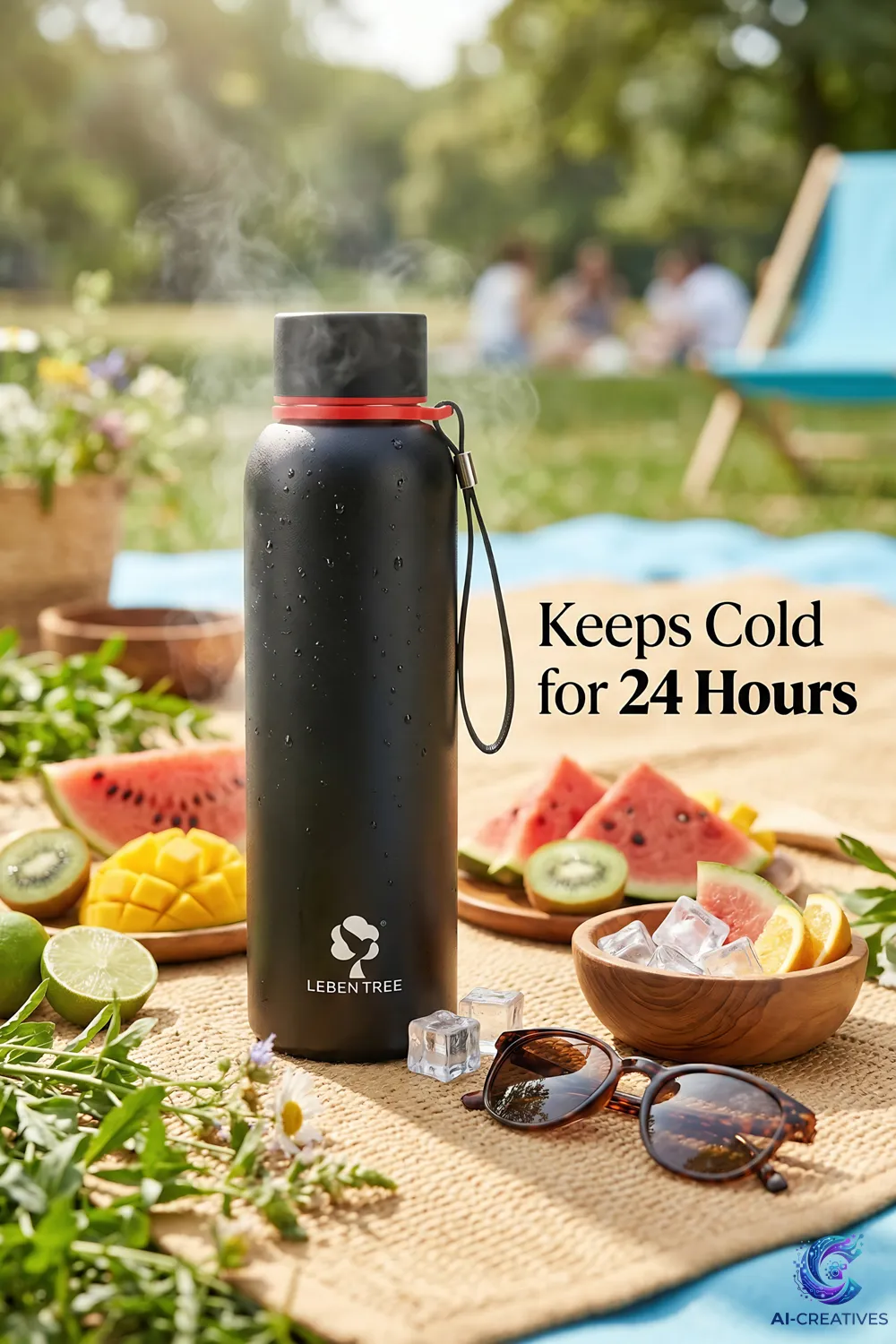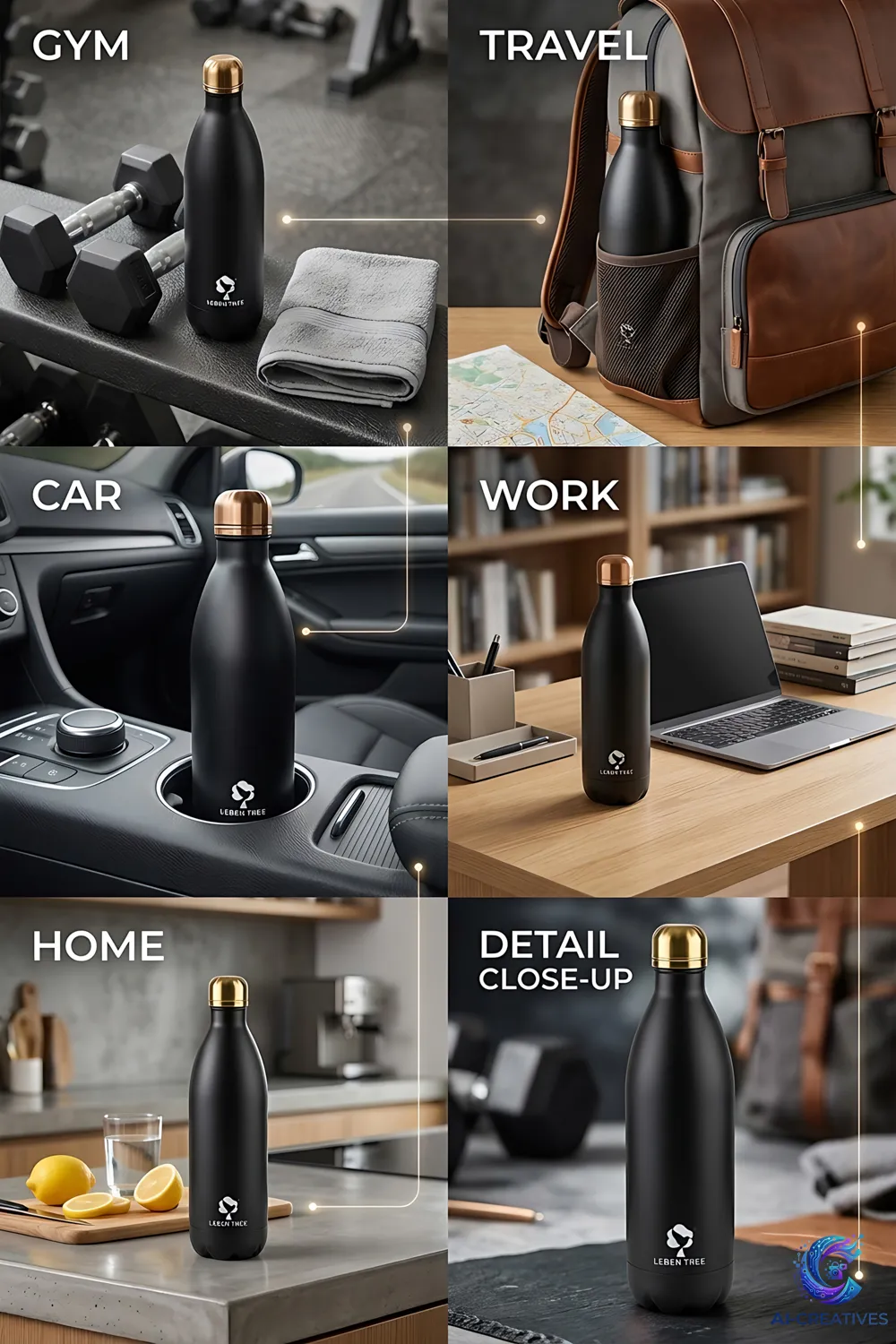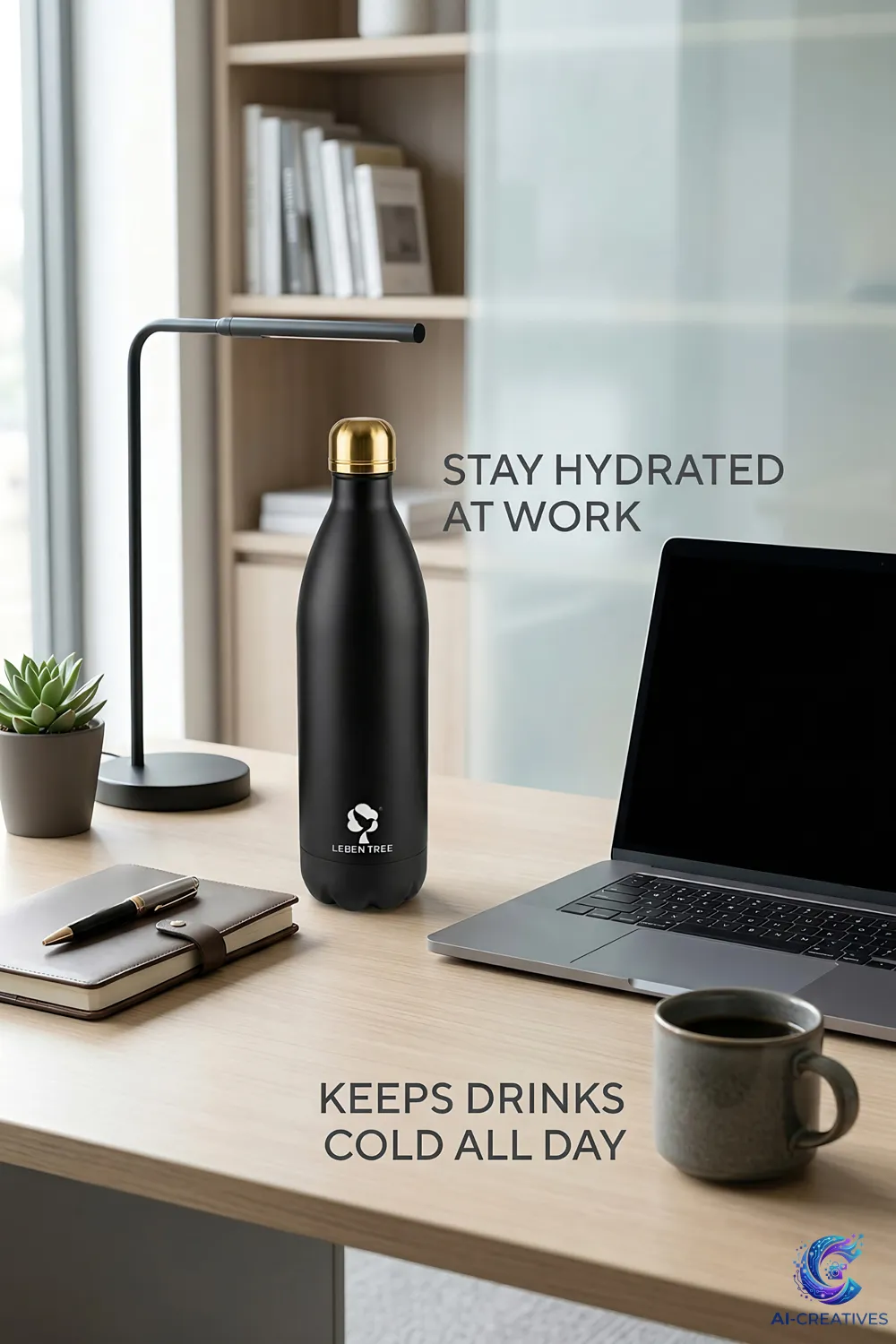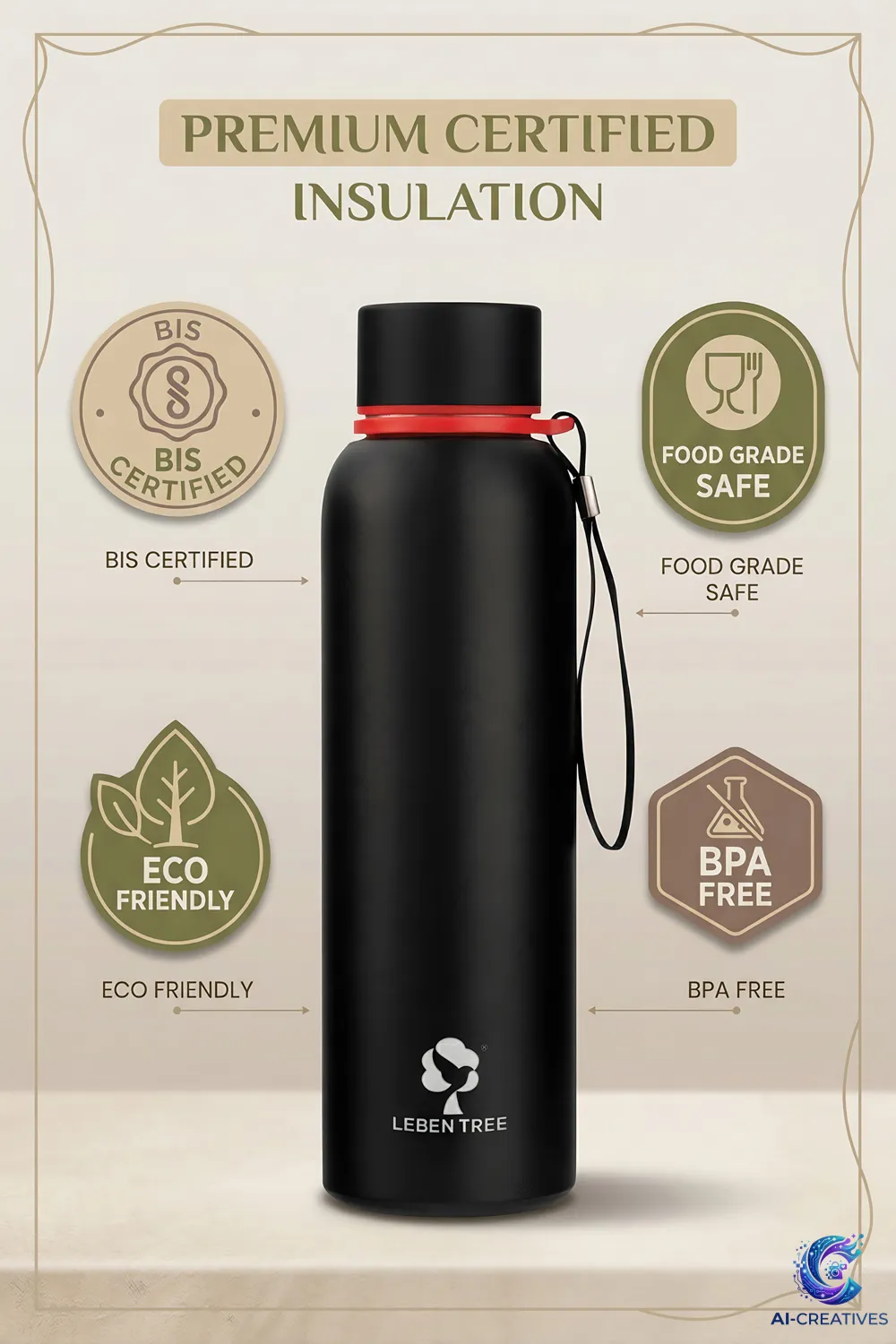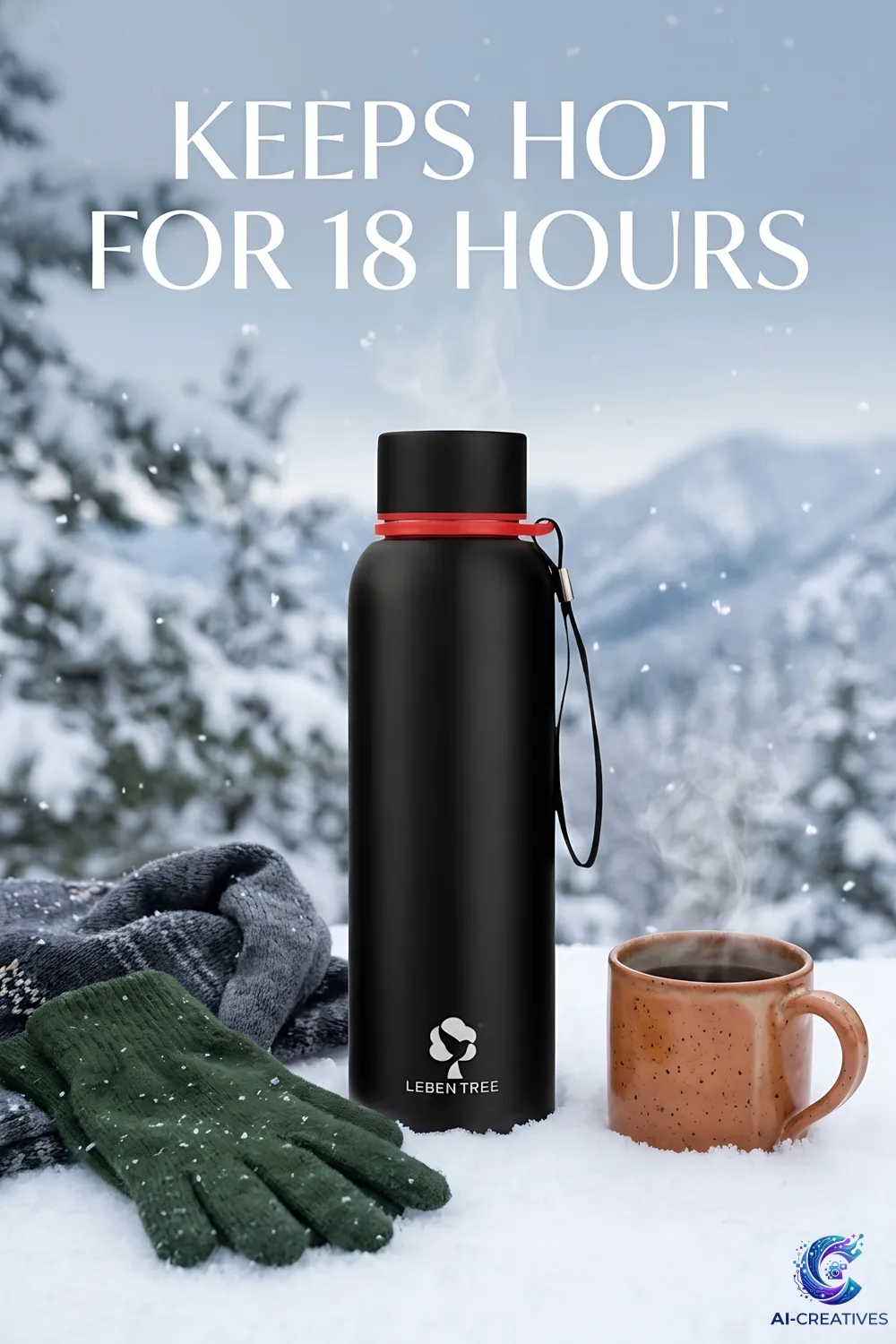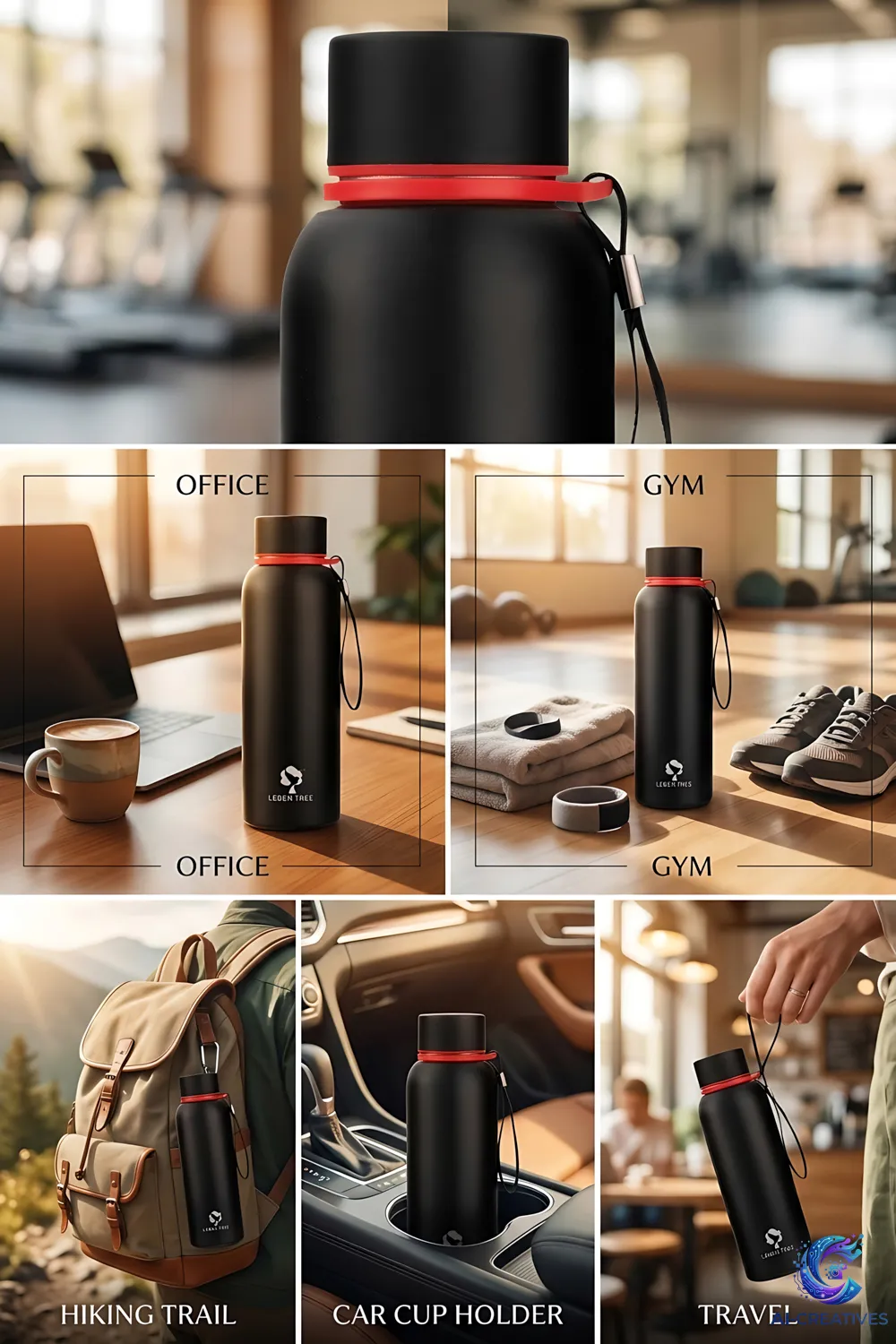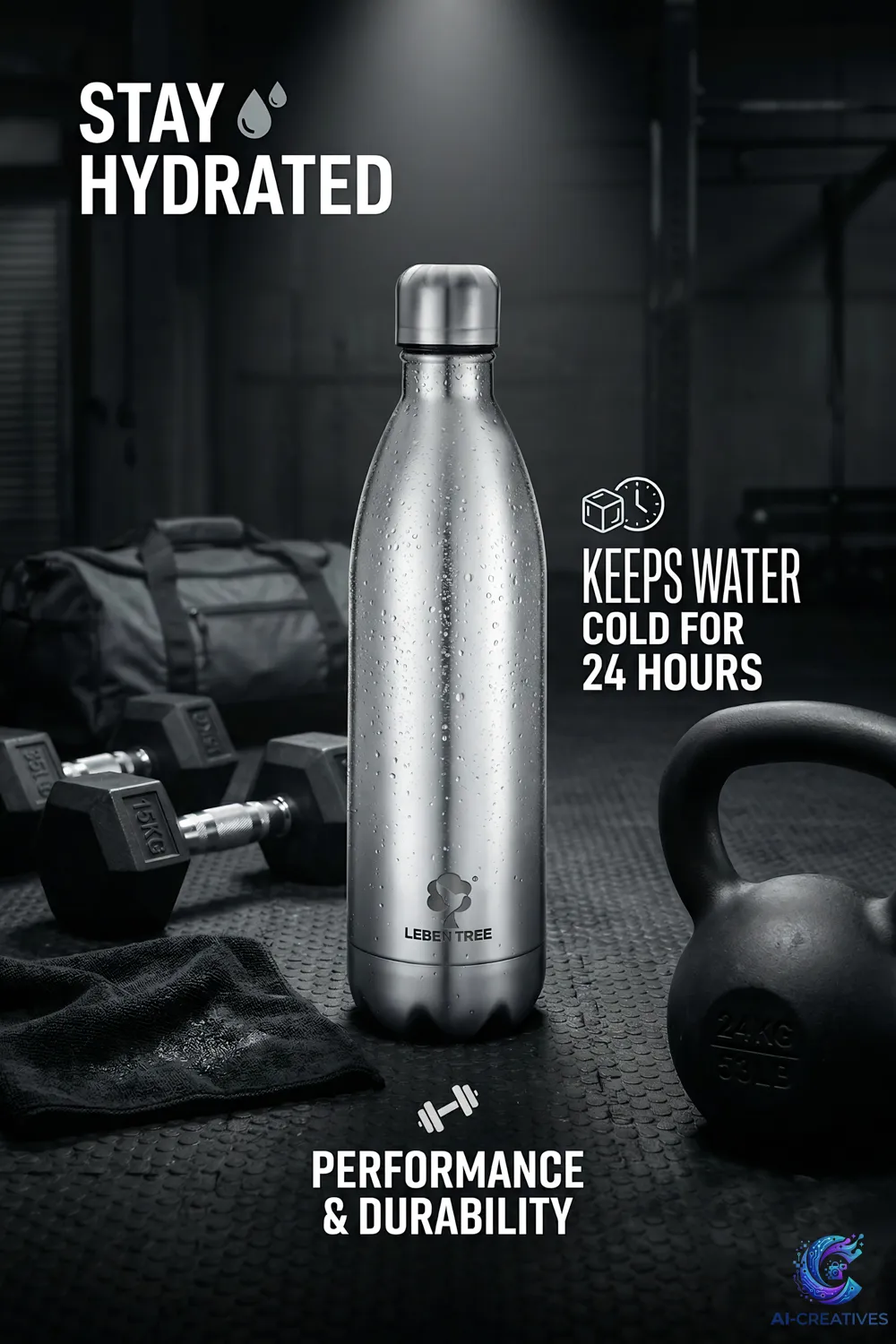
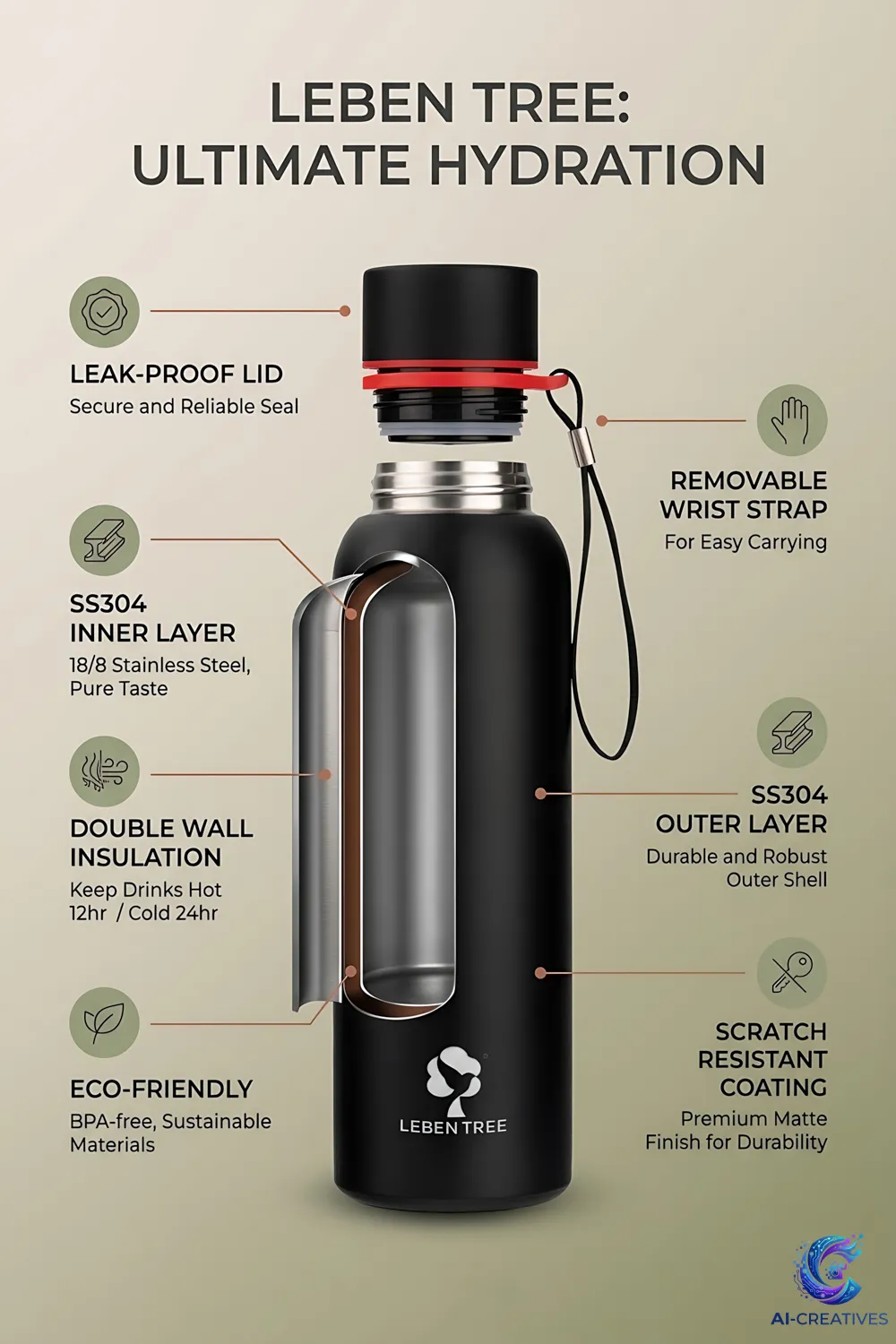
Creating a useful AI product image starts with the product and the intended customer experience, not with a prompt. A good workflow defines what must remain accurate, what can change and where the image will be used.
The following process is suitable as a planning framework for brands and creative teams.
Start With a Clean Product Source
Use a sharp, well-lit product photograph or approved product asset. Capture the important details clearly.
Define the Use Case
Decide whether the image is for a product page, marketplace listing, social post, advertisement, catalog or campaign.
Write a Creative Brief
Specify product position, camera angle, environment, lighting, mood, audience, colors, negative space and final aspect ratio.
Generate or Build the Scene
Use AI, photography or compositing to create the environment while keeping the product reference stable.
Check Perspective and Scale
Make sure the product appears physically plausible within the scene.
Check Shadows and Lighting
The direction and softness of shadows should support the scene lighting.
Compare With the Real Product
Inspect every important feature, including packaging, buttons, handles, labels, materials and proportions.
Retouch
Remove artifacts and refine edges, shadows, reflections and small imperfections.
Export
Create platform-specific versions and retain a high-quality master file.
Archive the Source
Keep the original product photograph, approved reference and final files organized so later variations can be produced consistently.
Practical checklist
Before publishing or using the information from this guide, a brand should confirm the product reference, intended platform, required image dimensions, brand guidelines, product claims and final quality-control process.