Foundations & Strategy ๐Ÿ•’ 3 min read • Reviewed: September 2026

How Does AI Product Photography Work? Step-by-Step Process

AI product photography is best understood as a production workflow rather than a single button. The process can combine photography, image editing, generative AI, compositing and human quality control. A reliable workflow begins with a clear definition of the final image. A product-page image, an Amazon secondary image and a social advertising visual have different requirements. Once the intended use is known, the team can choose how much of the image should be photographed, edited or generated.

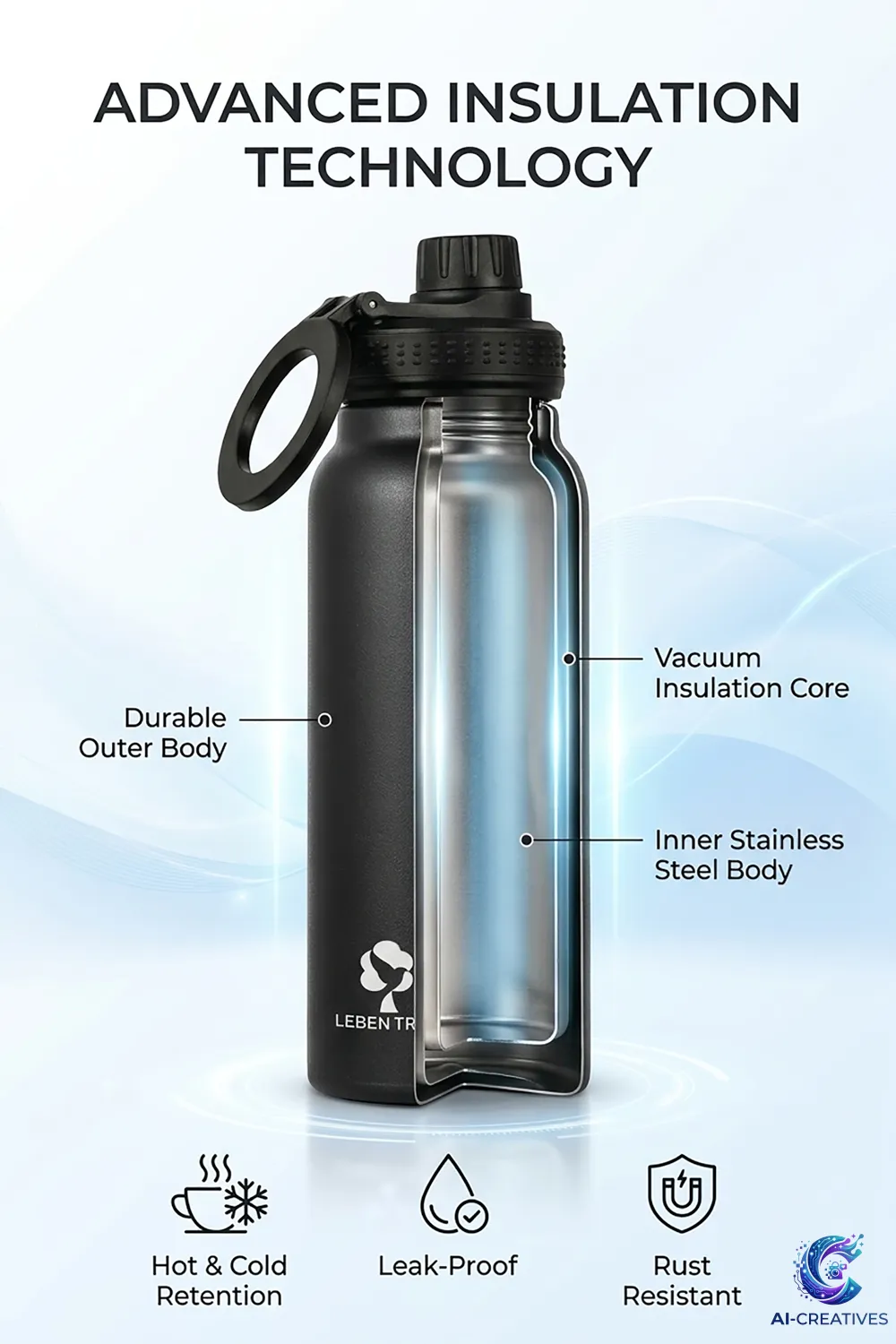
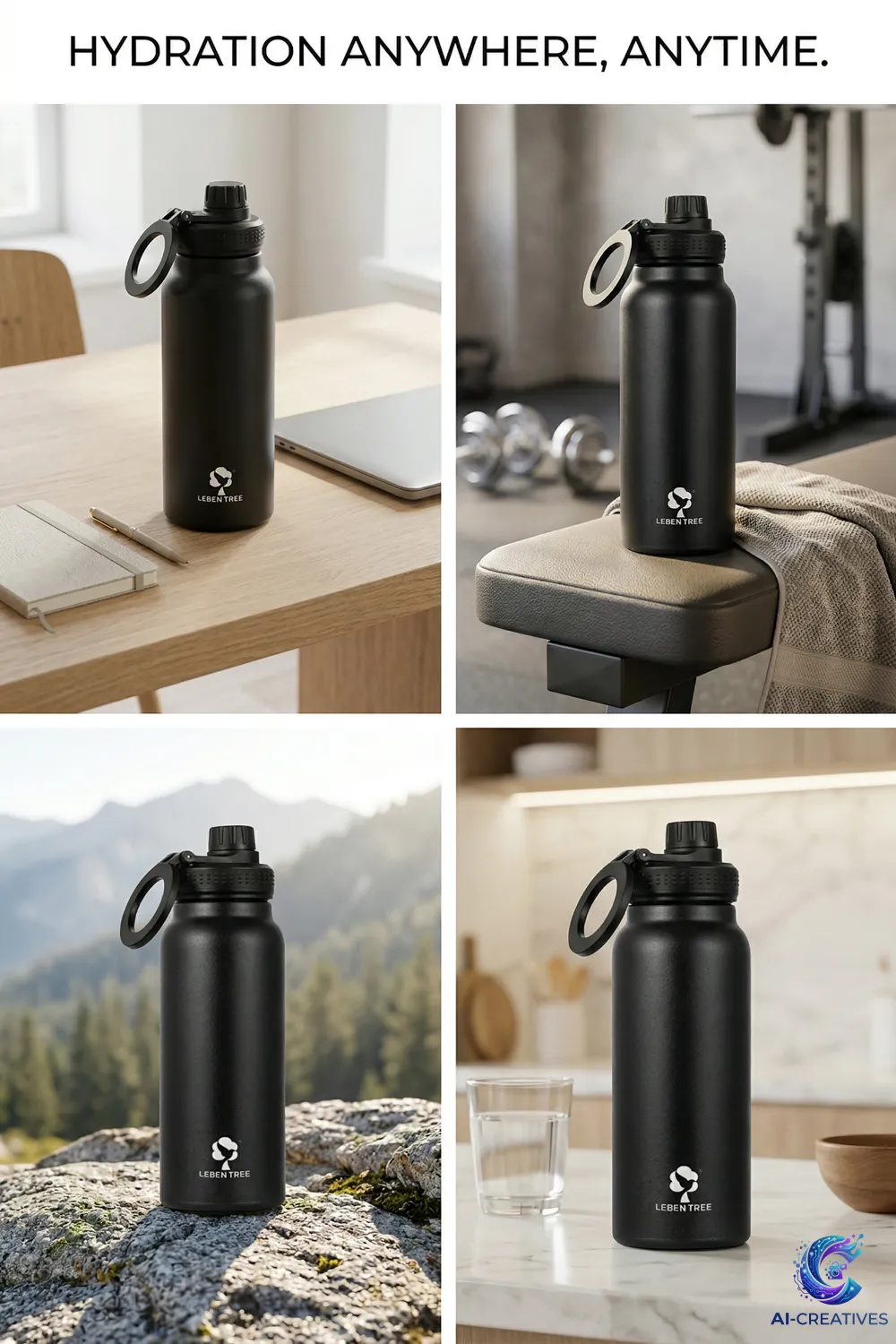
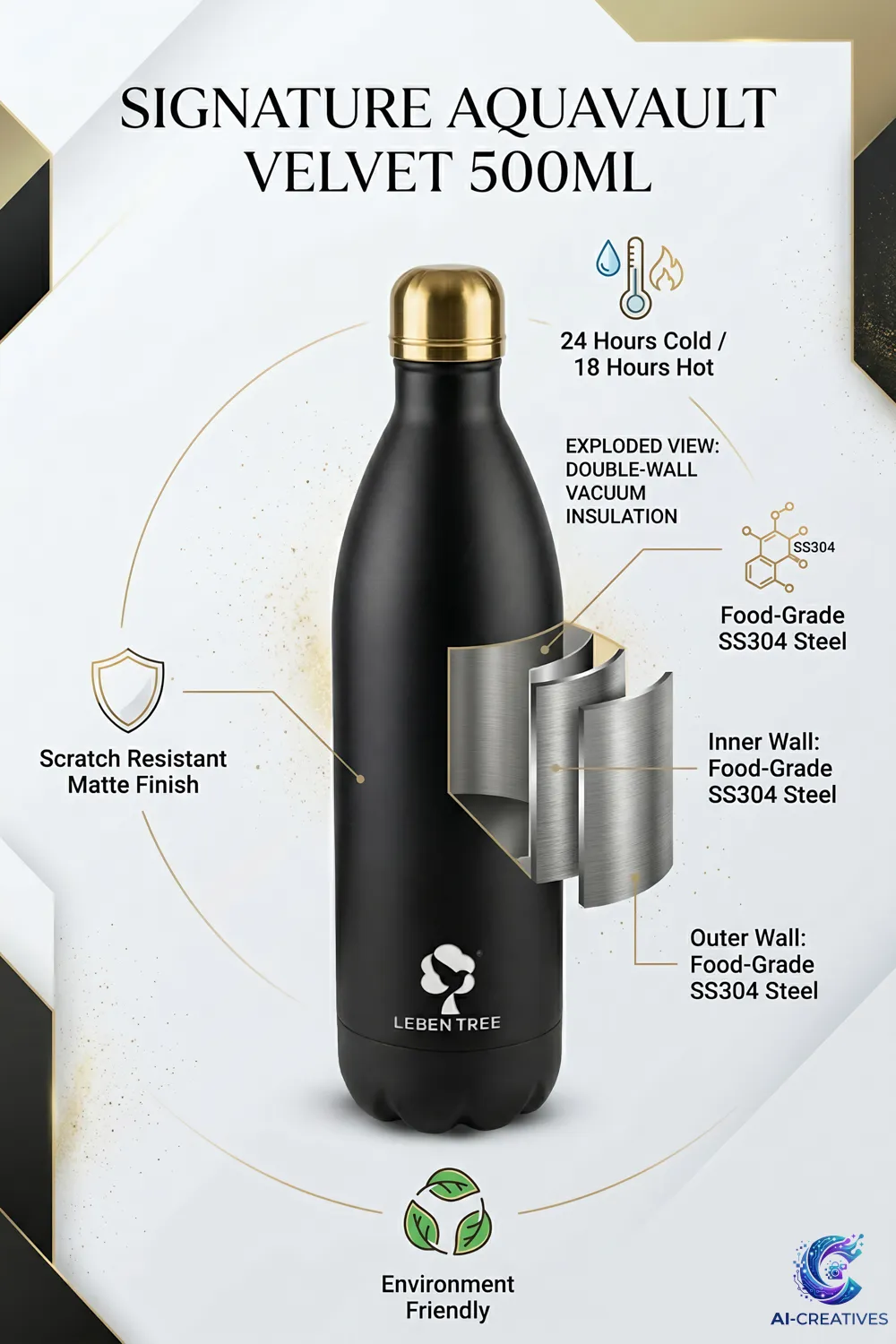
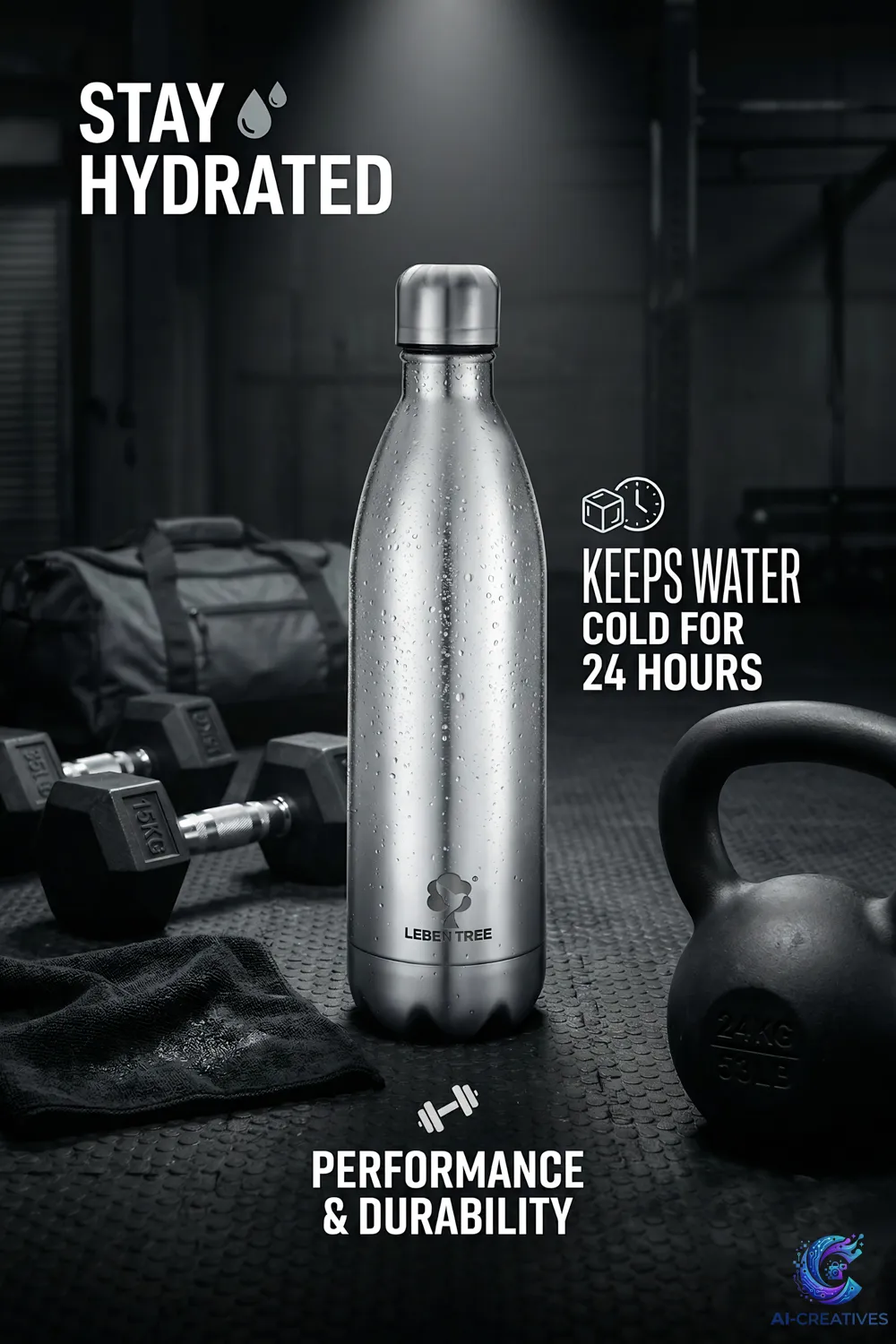
Visual sample: AI Commercial Photography - Designer Beverage Bottle Ai-Creatives Production Lab

AI product photography is best understood as a production workflow rather than a single button. The process can combine photography, image editing, generative AI, compositing and human quality control.

A reliable workflow begins with a clear definition of the final image. A product-page image, an Amazon secondary image and a social advertising visual have different requirements. Once the intended use is known, the team can choose how much of the image should be photographed, edited or generated.

1. Prepare the Product

Clean the product, remove temporary packaging where appropriate, check labels and identify details that must remain unchanged.

2. Capture an Accurate Source

Photograph the product with controlled lighting and an angle that provides a reliable reference. A clean source image gives later editing work a stronger foundation.

3. Define the Creative Brief

Specify audience, environment, mood, composition, camera perspective, lighting, aspect ratio and intended platform.

4. Build the Environment

Use generative tools, photography or a combination to create the background and surrounding scene. The environment should support the product rather than compete with it.

5. Match Light and Perspective

The product and environment need compatible scale, perspective, shadows, highlights and color temperature. This is one of the biggest differences between a believable composite and an obviously artificial image.

6. Check Product Identity

Compare the result with the original product. Check shape, packaging, typography, colors, buttons, handles, textures and accessories.

7. Retouch and Correct

Clean artifacts, refine edges, improve shadows and make final adjustments. Human review is essential.

8. Export for the Destination

Prepare the final file at the appropriate dimensions, format, compression and aspect ratio for the website, marketplace, advertising platform or social channel.

Practical checklist

Before publishing or using the information from this guide, a brand should confirm the product reference, intended platform, required image dimensions, brand guidelines, product claims and final quality-control process.
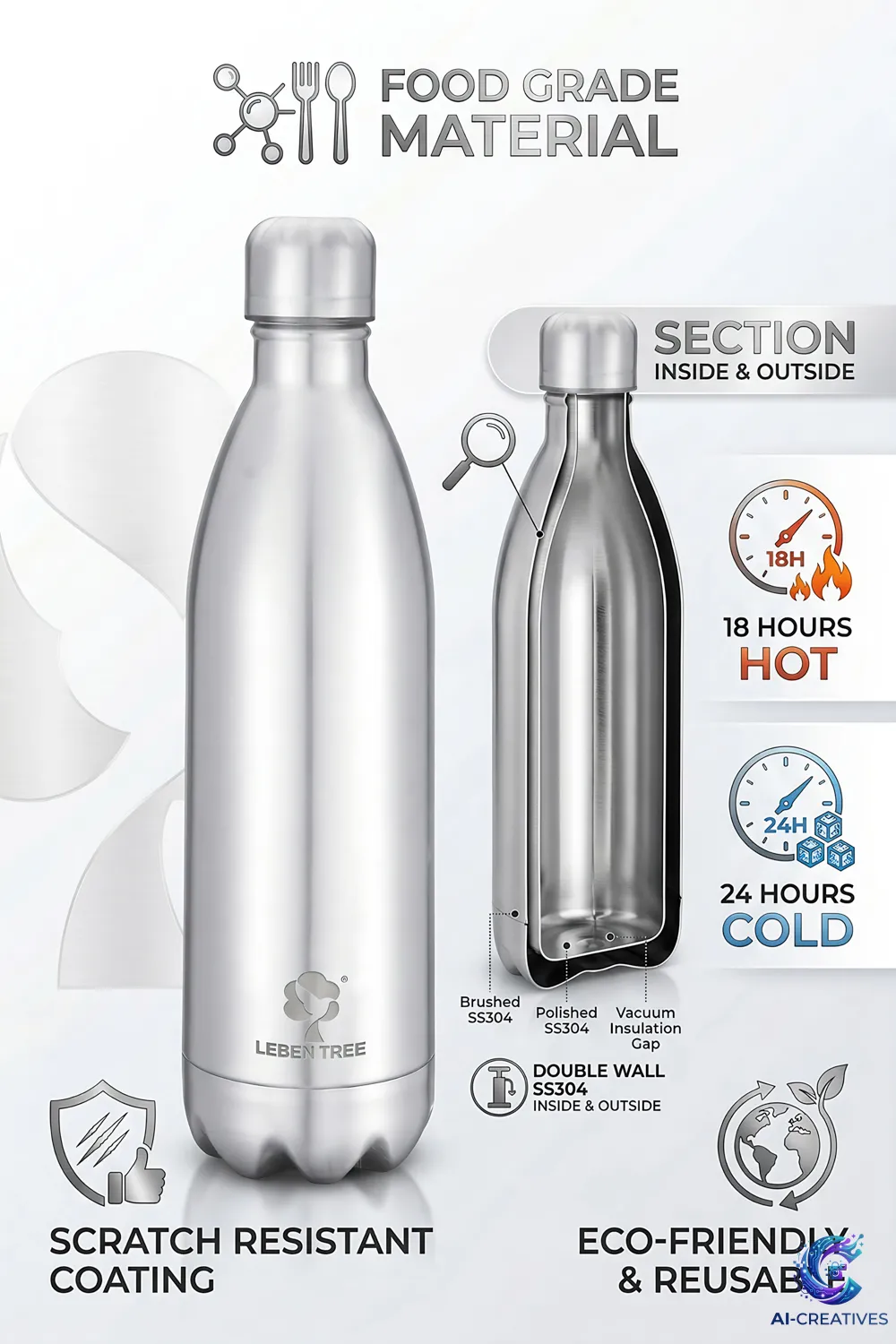
Studio Standard

Real Product Accuracy & Generative Context

Every commercial output produced at Ai-Creatives begins with physical texture fidelity, authentic proportions, and controlled lighting before being extended into lifestyle or marketplace environments.

Frequently Asked Questions

Is AI product photography the same as traditional photography? +

No. AI-assisted production can complement traditional photography by creating or modifying selected parts of a commercial image. Traditional photography remains useful when direct physical capture and exact product representation are important.

Can AI change a real product? +

It can, sometimes unintentionally. Important details such as packaging, labels, proportions, colors, materials and logos should therefore be checked against an approved product reference.

Should every e-commerce image use AI? +

No. AI is a production tool. Use it where it solves a genuine creative or production problem and use conventional photography or editing where those methods are more appropriate.

Can AI product images be used on marketplaces? +

Potentially, depending on the asset and marketplace rules. Always verify the current official requirements of the marketplace and the specific image/content type before publishing.

Does AI product photography guarantee better sales? +

No. Creative quality and business performance are separate questions. Test imagery where possible and evaluate actual engagement, conversion and campaign data.

Commercial Production Assistance

Scale Your Product Visuals with Ai-Creatives

Discuss your catalog requirements, Amazon creatives, or lifestyle campaign goals with our production team.

Get In Touch → WhatsApp Studio

Related Guides & Resources

What Is AI Product Photography? Complete Guide for Brands
Foundations & Strategy

What Is AI Product Photography? Complete Guide for Brands

Read guide →
Benefits of AI Product Photography for E-Commerce Brands
Foundations & Strategy

Benefits of AI Product Photography for E-Commerce Brands

Read guide →
AI Product Photography: Limitations, Risks & Quality Issues
Foundations & Strategy

AI Product Photography: Limitations, Risks & Quality Issues

Read guide →
Chat on WhatsApp
No chatbot, it's a Real Human on the other side