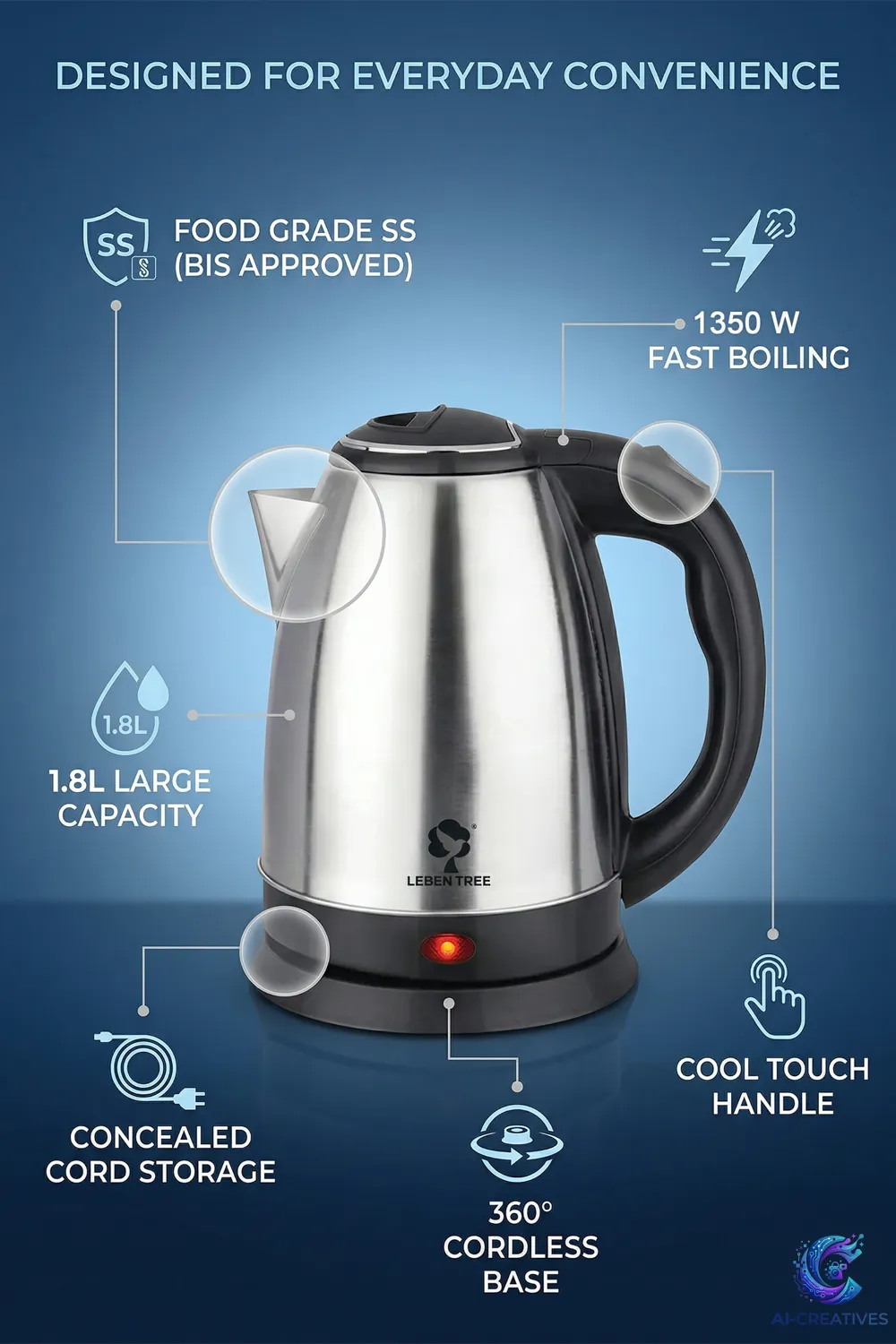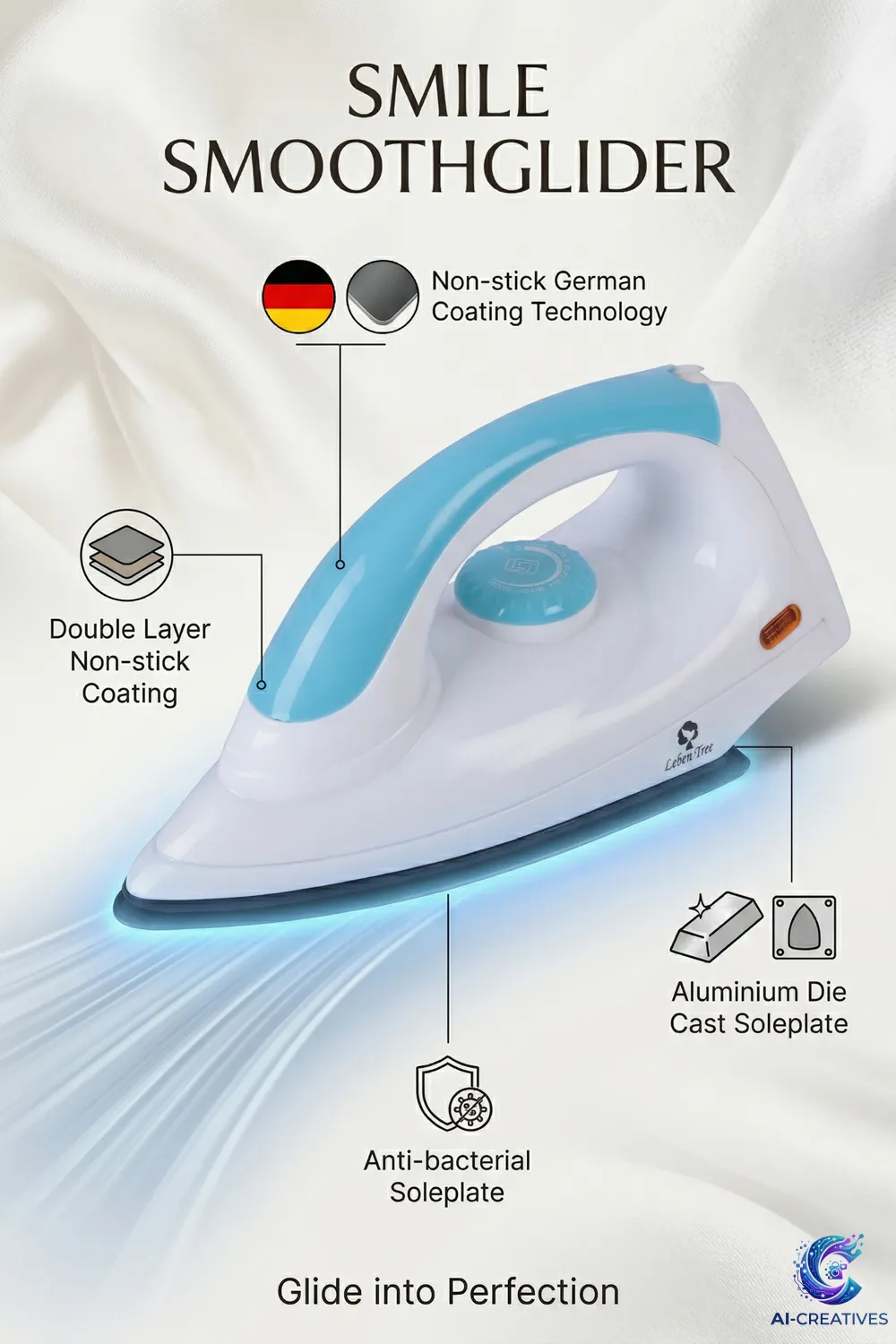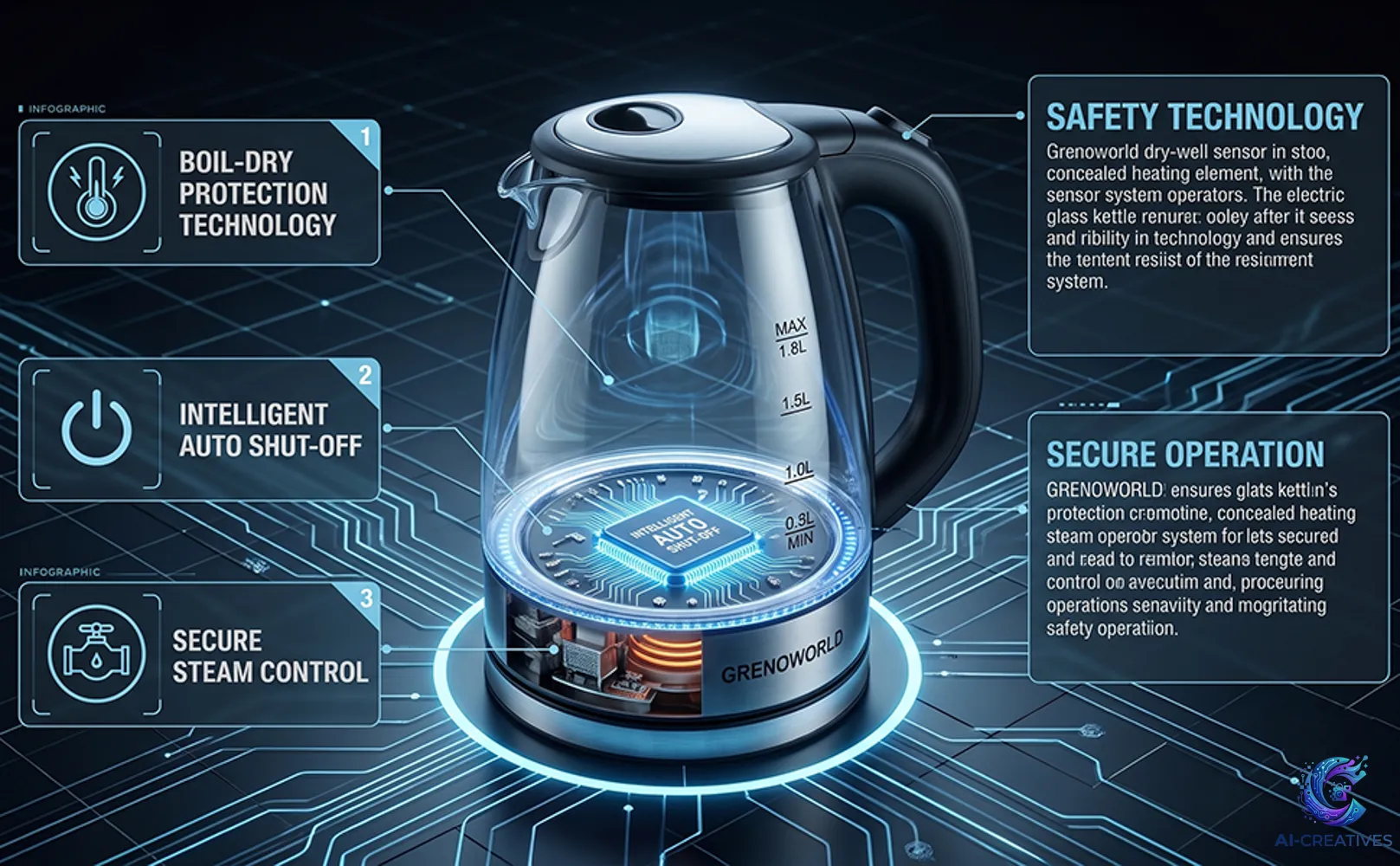
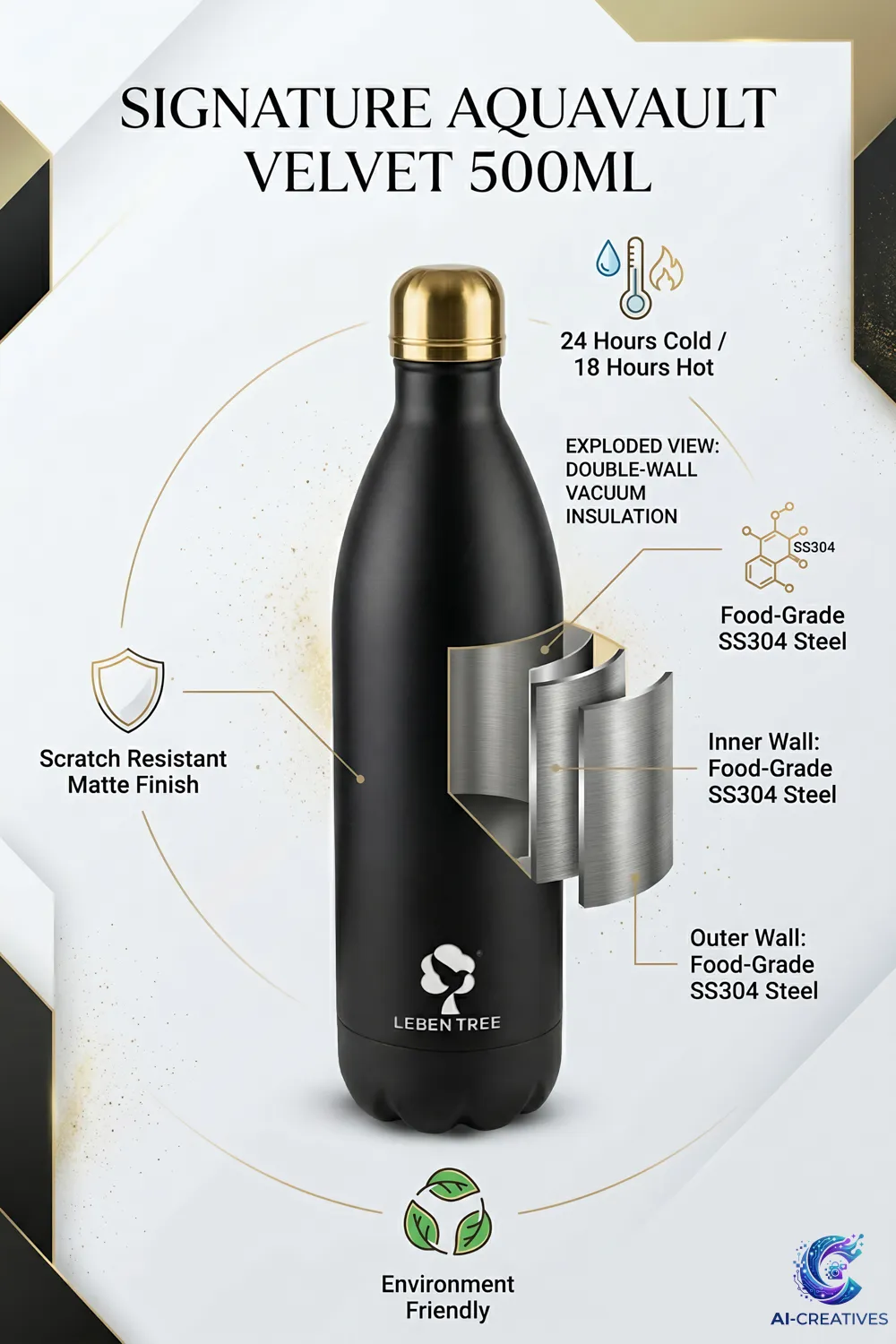
Background replacement is one of the most practical AI-assisted image-editing tasks. The objective is to change the environment while preserving the product.
A professional workflow separates the product from the background, creates the new environment and then checks the resulting edge, lighting and shadow relationship.
Prepare the Source
Use a sharp product image with clean edges.
Isolate the Product
Create an accurate mask or selection.
Define the New Background
Specify color, environment, lighting and negative space.
Generate the Scene
Build the background without altering the product.
Restore Natural Shadows
Add or preserve contact shadows appropriate to the new environment.
Check Edges
Inspect fine edges, transparent areas and reflective surfaces.
Check Color
Make sure the new environment does not create misleading color casts.
Export
Save a high-quality master and platform-specific version.
Practical checklist
Before publishing or using the information from this guide, a brand should confirm the product reference, intended platform, required image dimensions, brand guidelines, product claims and final quality-control process.